
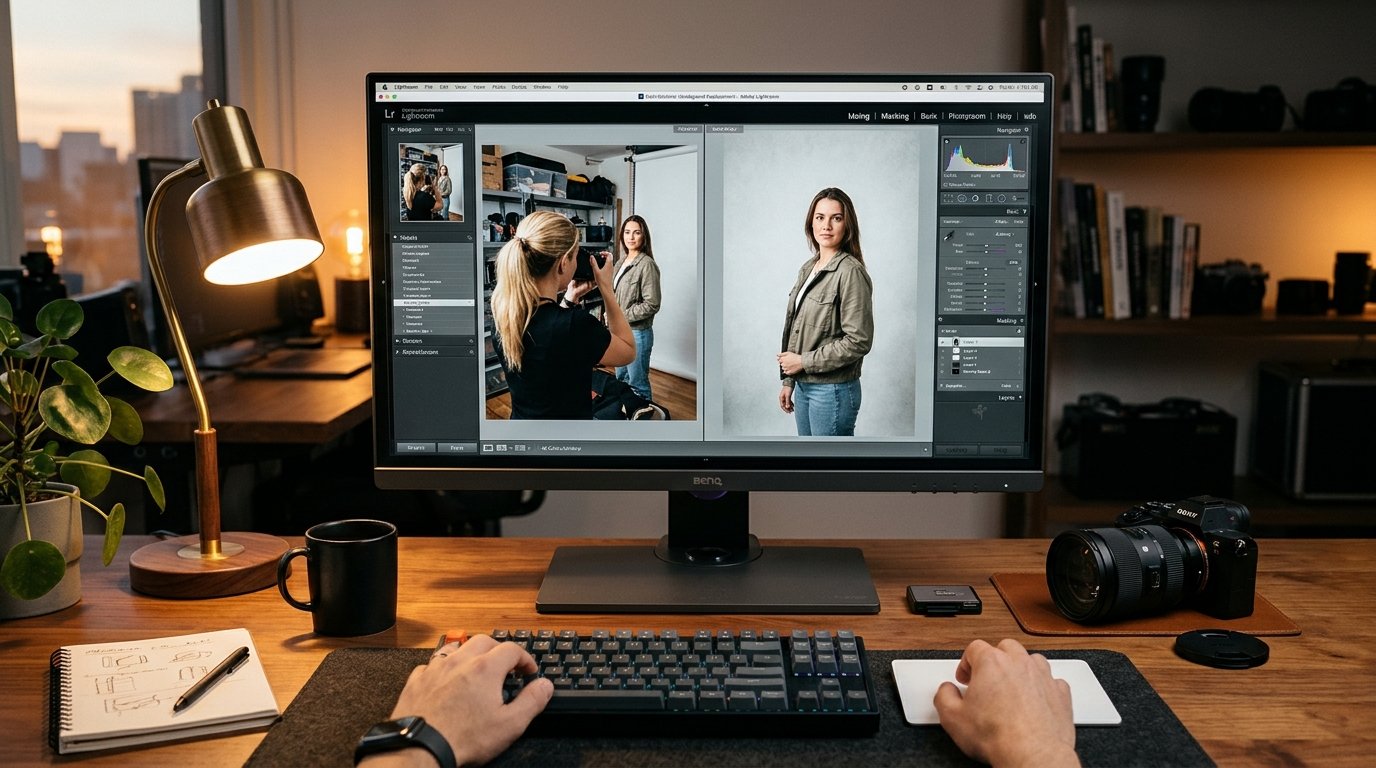
Executing a professional photo background change has fundamentally shifted from an exclusive skill reserved for master Photoshop retouchers into an instant, accessible everyday capability for creators, digital marketers, and online store owners worldwide. In today’s visual-first economy, the backdrop of your portrait, product listing, or corporate profile picture dictates whether a viewer pauses or scrolls past. Whether you are aiming to eliminate distracting room clutter behind a remote job application headshot, standardize thousands of e-commerce catalog images to pristine commercial white backdrops, or insert a dramatic sunset skyline behind a travel portrait, achieving a seamless photo background change is an indispensable superpower in 2026.
Historically, isolating foreground subjects from complex backgrounds demanded tedious manual lasso tracing, precise Bezier pen tool plotting, and hours of frustrating channel masking around delicate hair strands. Today, breakthroughs in deep learning and real-time neural matting enable creators to perform a complete photo background change directly inside standard web browsers in mere seconds. In this ultimate, comprehensive guide, we dissect the computer vision science, reveal the 10 best free online tools and techniques, explore step-by-step master tutorials, and unveil professional edge-blending secrets on modern digital creative suites like ulovepdfs.
1. The Evolution of Photo Background Change & Neural Matting
The journey of isolating subjects from their surroundings forms one of the most storied chapters in modern computer graphics. For over three decades, graphic artists working in print production and Hollywood visual effects relied on manual rotoscoping and physical green screens. Early digital raster algorithms treated pixels as binary entities: a pixel was either 100% foreground or 100% background. While this simplistic binary thresholding worked adequately for hard-edged geometric objects like cardboard boxes, it failed catastrophically when attempting a realistic photo background change on human portraits, transparent glassware, fur, or wispy bridal veils.
Modern machine learning models, trained on millions of diverse image pairs via deep convolutional neural networks (CNNs) and Vision Transformers (ViT), have revolutionized this paradigm. By analyzing contextual semantics, lighting gradients, and depth field cues, contemporary algorithms recognize human anatomy, facial contours, clothing textures, and product silhouettes instantaneously. Today, performing a photo background change no longer requires selecting tiny pixels by hand; instead, advanced mathematical models generate smooth sub-pixel alpha mattes that effortlessly preserve semi-transparent boundaries.
Required 20 to 45 minutes per image. Highly prone to harsh jagged halo borders, severed hair strands, and unnatural cutout edges that instantly revealed editing flaws.
Completed in under 2 seconds. Delivers 32-bit sub-pixel alpha gradients, automated color decontaminating, and flawless edge blending directly in browser WebAssembly.
2. The Science of Cutouts: Alpha Channels, Tri-Maps & Sub-Pixel AI
To master the art of photo background change, one must first grasp the underlying digital signal processing that makes image compositing possible. Every standard digital image captured by a modern camera sensor consists of three color channels: Red, Green, and Blue (RGB). However, when we extract a subject to replace the scenery, a vital fourth channel is introduced: the Alpha channel, turning an RGB asset into an RGBA file, standardized internationally under the W3C Portable Network Graphics (PNG) Specification.
The alpha channel dictates the exact opacity of every single pixel on an 8-bit scale ranging from 0 (completely transparent) to 255 (completely opaque). In computer vision, calculating this boundary is traditionally known as the image matting problem. Classical solutions relied on generating a “tri-map”, which segmented the image into three explicit zones: definite foreground, definite background, and an ambiguous transition zone. Modern neural networks solve this matting equation without requiring human tri-map input, predicting opacity values with sub-pixel precision as documented in academic research on digital image processing.
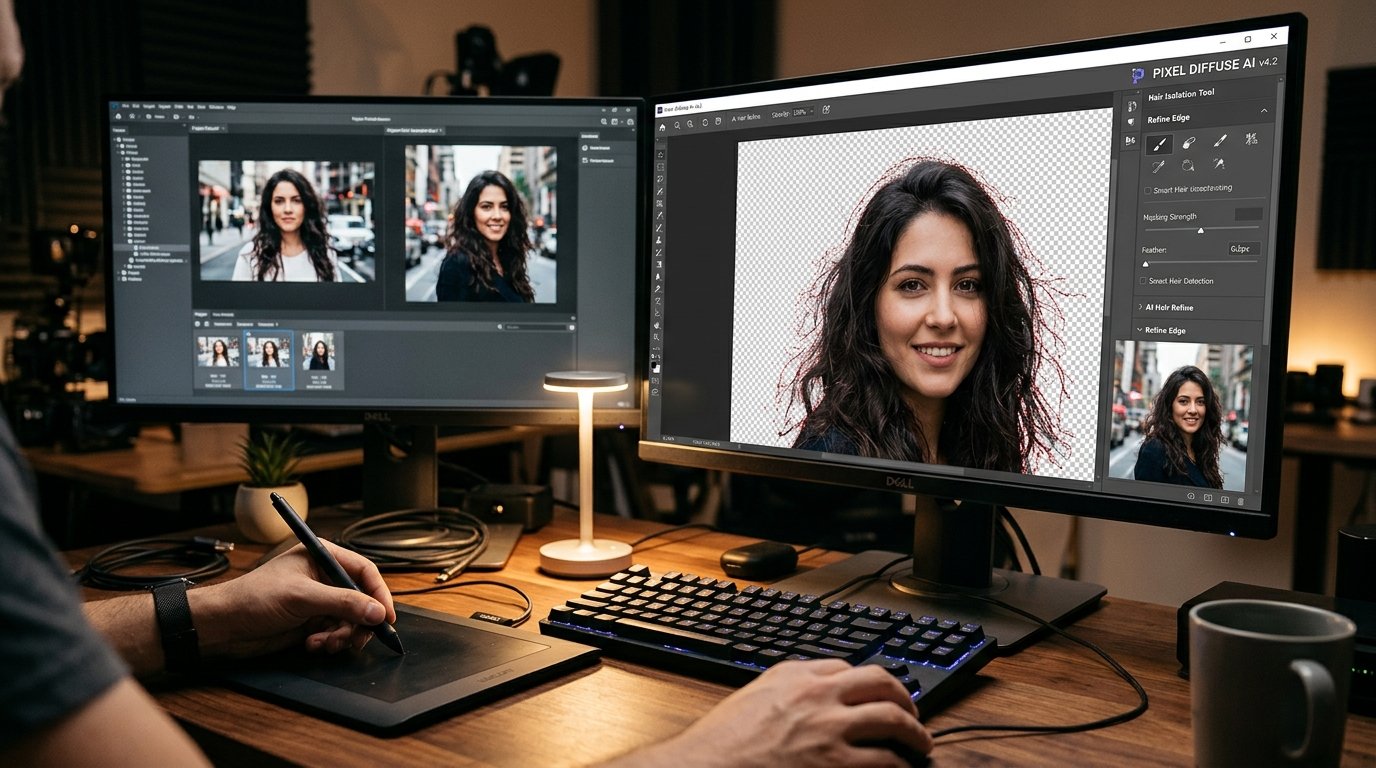
As demonstrated in Figure 1 above, the most critical challenge during a high-resolution photo background change occurs along high-frequency boundaries—specifically individual strands of flyaway hair, translucent fabric, or shimmering glassware. If an algorithm simply applies a hard binary mask, the edges look artificial, reminiscent of a crude magazine collage. Conversely, superior neural engines perform color decontamination (despill), subtracting the ambient color bleed of the old background reflected on the subject’s skin before compositing the new backdrop.
The Compositing Equation Behind Photo Background Change
In digital compositing, every output pixel color C_comp is mathematically calculated as:
Where α is the predicted opacity (0.0 to 1.0), F is the original unblemished foreground color vector, and B represents the incoming replacement background. Mastering this blending balance is what separates amateur cutouts from flawless professional photography.
3. The 10 Best Free Tools for Photo Background Change in 2026
Whether you require quick mobile retouching or enterprise-level batch image preparation, choosing the right utility is paramount. Below is our curated, thoroughly tested evaluation of the top 10 tools to perform a photo background change online with maximum fidelity, lightning speed, and zero upfront expense.
ulovepdfs Image Suite
The modern Swiss-army knife for document and creative image workflows. Pairs seamless background isolation with dedicated browser utilities including Circular Profile Picture Maker and precision Client-Side Image Cropper.
Remove.bg
One of the pioneers in automatic AI background removal. Features reliable subject identification and instant background swap presets for web previews.
Adobe Express Background Remover
Powered by Photoshop’s legendary Sensei neural algorithms, offering refined edge retention and seamless export to Adobe Creative Cloud libraries.
Photoroom Web & Mobile
Specialized in marketplace merchandise photography, automated drop shadow synthesis, and clean e-commerce studio backgrounds.
Canva Magic Background Eraser
Integrated directly into Canva’s drag-and-drop graphic canvas, facilitating instantaneous background replacement for social banners, YouTube thumbnails, and flyers.
Photopea Online Editor
A powerful browser-based Photoshop clone equipped with smart object masking, refine edge brushes, and layer adjustment blending modes.
Fotor AI Background Replacer
Provides automated subject detection combined with an extensive library of realistic studio backdrops, solid hex colors, and scenic wallpapers.
Slazzer
Geared towards photography studios and enterprise volume, offering bulk background removal desktop clients and robust REST endpoints.
Apple iOS & macOS Visual Look Up
A built-in hardware accelerated feature in Apple Photos. Simply long-press any subject on an iPhone, iPad, or Mac to lift it cleanly with zero third-party software.
Rembg (Python / ONNX)
The gold standard open-source neural matting library utilizing U-2-Net architecture. Capable of running locally on CPU or GPU without sending any data over the web.
While each of these utilities serves specific operational niches, pairing a reliable background cutout engine with supplementary tools—such as our Browser Image Resizer to standardize target aspect ratios or the Image Eyedropper & Color Picker to sample matching ambient background tones—delivers a complete, professional creative pipeline without software subscription fees.
4. Step-by-Step Guide: How to Change Photo Background Like a Pro
Performing a truly convincing photo background change requires more than just erasing pixels; it demands disciplined preparation, high-quality asset selection, and thoughtful composition. Follow this battle-tested four-step workflow to achieve flawless studio-grade results every single time.
Step 1: Select High-Resolution Source Imagery
AI segmentation models rely heavily on contrast and edge clarity. Whenever possible, upload source images with sharp focal clarity around the subject and minimal motion blur. If your subject shares the exact same tonal hue as the existing background (e.g., a white t-shirt against a pure white wall), consider adjusting the contrast curves slightly before running the cutout.
Step 2: Execute the Neural Cutout & Inspect Transparent Alpha
Upload your file to your chosen photo background change processor. Once the algorithm generates the transparent output, inspect the edge boundaries against a dark gray or checkered background. Pay particular attention to underarm cutouts, gaps between fingers, and delicate flyaway hairs to confirm no residual background artifacts were missed.
Step 3: Align Lighting Angle, Color Temperature & Perspective
This step is where amateur edits fail. Ensure your new background matches the key light angle of your original shot. If your subject was photographed with warm sunlight streaming from the left, dropping them into a cool overcast scene with overhead fluorescent lighting will immediately shatter visual realism. Use color adjustments to harmonize the color temperature between foreground and background.
Step 4: Composite, Add Contact Shadows & Export
Place your foreground subject onto the replacement background layer. If your subject is an e-commerce product or full-body model standing on a surface, synthesize a subtle contact shadow beneath them. Finally, export the composite in high-quality WebP or PNG format to preserve full color depth.
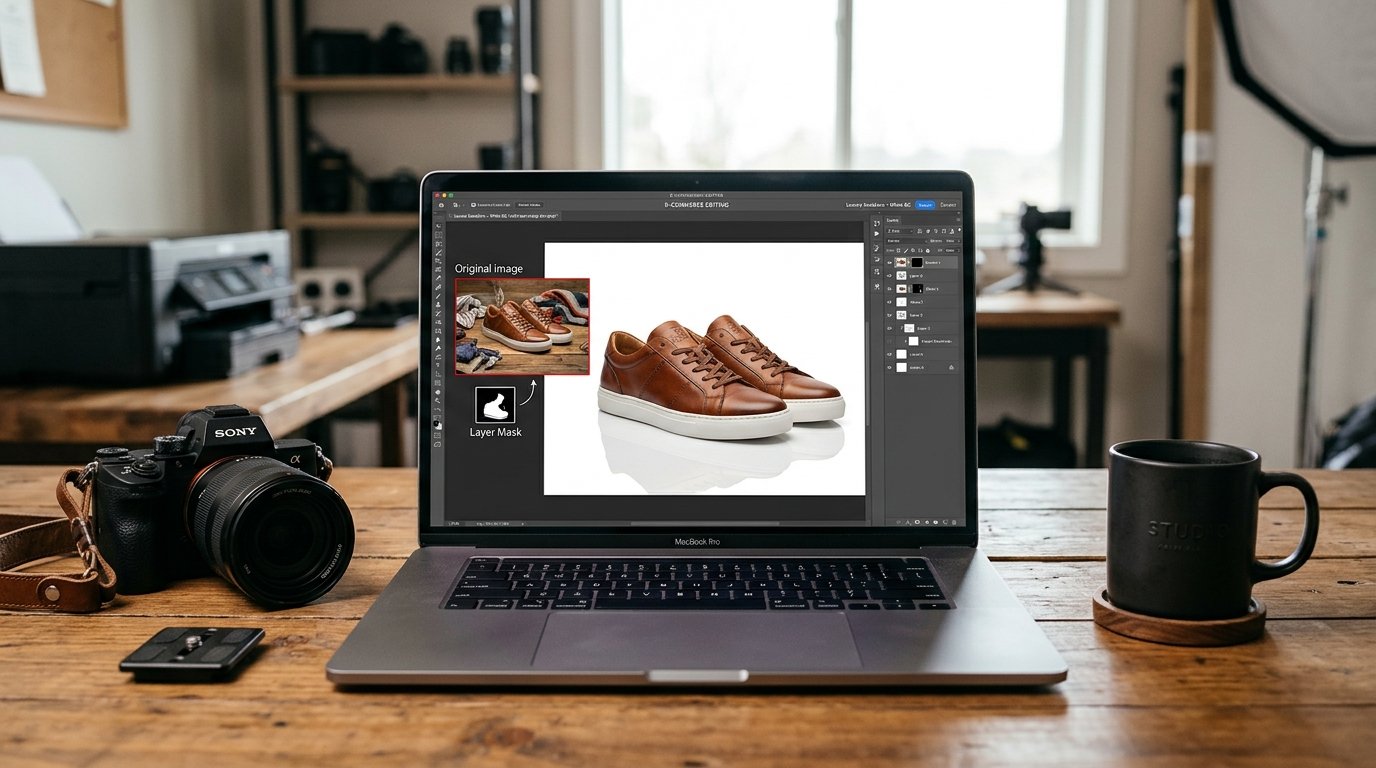
Notice how in Figure 2, the product isolation is accompanied by a gentle ground reflection and contact shadow. Without this subtle ground shadow, floating products appear detached and fake. A successful photo background change always anchors the subject firmly into its new digital environment.
5. Master Secrets: Edge Blending, Light Wrap & Color Harmonization
The difference between a clumsy cut-and-paste sticker and a photorealistic composition lies in three subtle optical phenomena: edge feathering, light wrap, and atmospheric depth of field. Professional retouchers operating inside industry-standard tools like Adobe Photoshop Masking & Compositing rigorously adhere to these three golden rules.
A. Sub-Pixel Edge Feathering
Real-world optical camera lenses never render a razor-sharp, 1-pixel knife edge around a physical object. Natural optics produce a soft edge transition caused by the circle of confusion and atmospheric diffraction. When completing a photo background change, always introduce a minute edge feather (typically 0.5px to 1.2px depending on image dimensions). This microscopic blur allows foreground and background pixels to bleed together naturally, preventing that artificial cardboard-cutout appearance.
B. The Light Wrap Technique
When you stand in front of a bright sunlit window or a vivid outdoor skyline, photons from the background scatter around your silhouette, softening your shoulders and illuminating fine hair strands. To recreate this during a photo background change, apply a subtle “light wrap” layer: duplicate your replacement background, blur it significantly (Gaussian blur radius of 15-30px), mask it strictly to the outer perimeter of your subject, and set the blending mode to “Screen” or “Soft Light” at 10-20% opacity. The subject will instantly melt organically into the new environment.
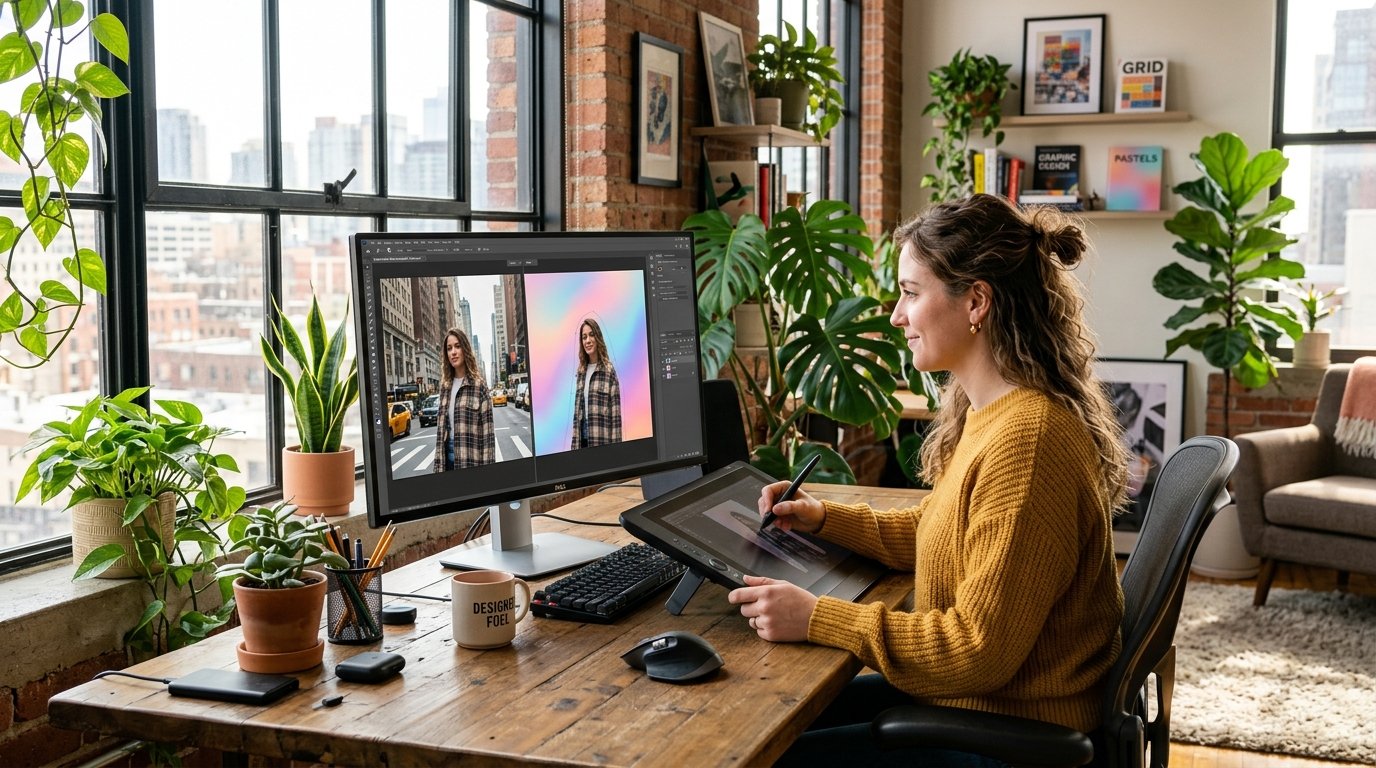
C. Simulating Depth of Field (Bokeh)
If your portrait subject was captured with a 50mm portrait lens at f/1.8, their face is crisp while their ears are softly softening into focus. If you paste this portrait onto an outdoor background where distant buildings and trees are pin-sharp from corner to corner, the viewer’s brain immediately senses an optical contradiction. Whenever performing a photo background change, apply a subtle lens blur to the background layer to mimic genuine photographic optical physics.
6. High-Impact Commercial Use Cases (E-Commerce, Headshots, Social)
The practical applications of executing an efficient photo background change extend across virtually every commercial industry in modern business. Below are the three primary verticals driving astronomical adoption in 2026.
E-Commerce Catalogs
Major retail platforms like Amazon, eBay, and Google Shopping mandate pure white backgrounds (RGB 255,255,255). Instant automated background replacement allows sellers to photograph inventory on warehouse tables and convert them to compliant catalog listings in bulk, dramatically lowering studio rental expenses.
Corporate Headshots
Distributed remote teams often take employee headshots in bedrooms, kitchens, and backyards. By deploying automated background replacement, human resource teams can standardize all team photos onto uniform corporate navy, executive slate, or office glass textures for unified company directories.
Social Media & Influencers
YouTube thumbnails and Instagram reels demand vibrant, high-contrast visual hooks. Creators frequently isolate themselves and composite eye-catching neon gradients, bold typography, or location backdrops to skyrocket click-through rates (CTR).

As illustrated in Figure 4 above, mobile workflows have transformed spontaneous smartphone snapshots into commercial assets. With modern touch-responsive web applications, mobile creators can capture footage on location and finalize their photo background change before even boarding their train or returning to their studio desk.
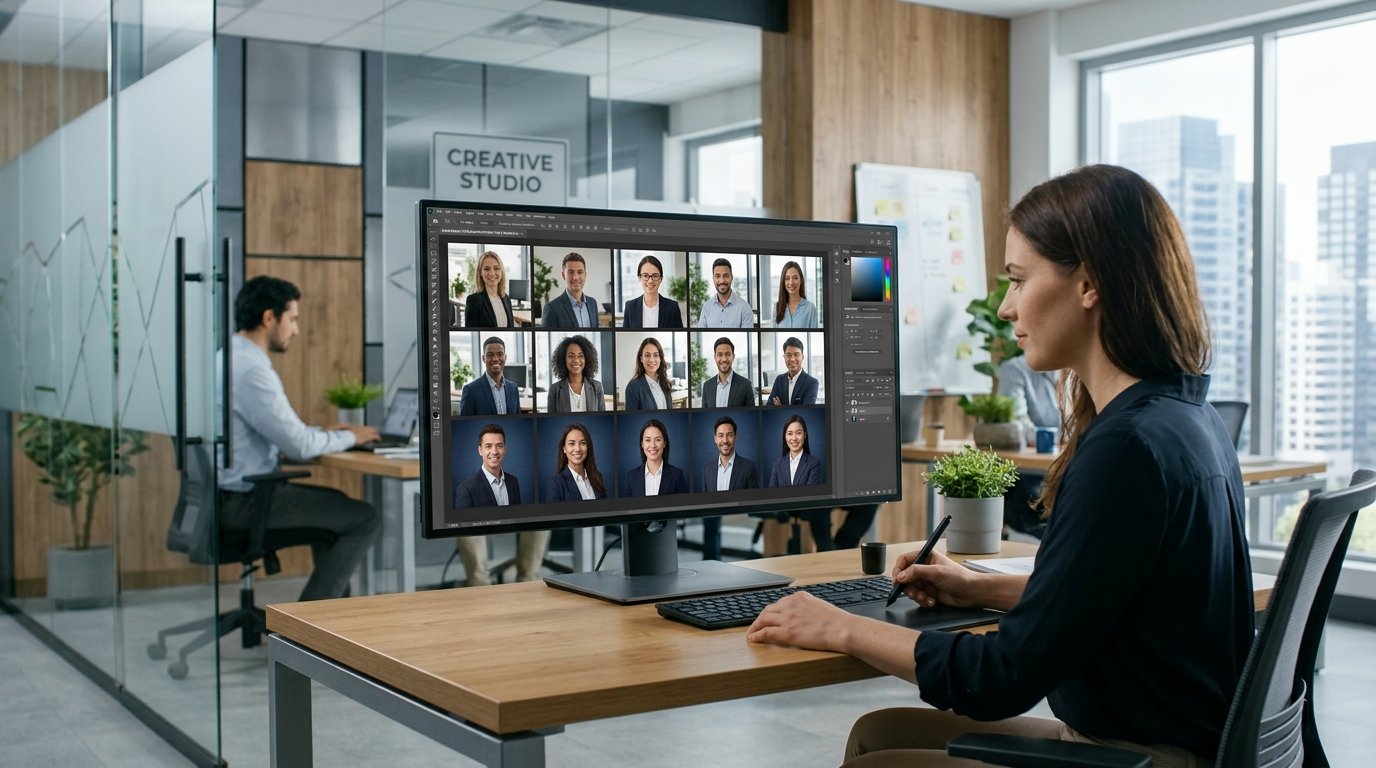
Similarly, Figure 5 demonstrates how corporate human resource departments standardize distributed international teams. Instead of coordinating expensive global photoshoot roadshows, organizations deploy automated background batch processing to transform disparate home office snapshots into cohesive, board-ready executive directories in a single afternoon.
7. Crucial Mistakes to Avoid During Photo Background Change
Even with advanced AI tools, human oversight remains vital to avoid telltale compositing blunders. When executing a photo background change, ensure you avoid these five notorious amateur mistakes:
1. Color Halo Fringe (Green/White Spills)
Retaining thin traces of the old background color around the edges of clothing or hair. Always apply a 1-pixel contract mask or activate automatic color decontamination to neutralize edge halos.
2. Unmatched Horizon Lines & Eye-Level Perspective
Compositing a subject photographed from a low upward angle onto a bird’s-eye aerial background. The viewer immediately feels disorientation because the perspective lines converge unnaturally.
3. Conflicting Shadow Angles & Diffuse Lighting
If the subject’s nose casts a harsh shadow to the right, your replacement background must not display sunlight emanating from the right side. Light sources must remain geometrically aligned.
4. Mismatched ISO Grain & Noise Levels
Placing a noisy, high-ISO low-light smartphone selfie onto a super-clean, noise-free 3D digital render. Adding 1-2% uniform monochromatic film grain across both layers ties the composition together convincingly.
5. Over-Aggressive Hair Cropping
Clipping curly or textured hair into an unnaturally smooth geometric helmet. When selecting a photo background change platform, confirm that the matting engine supports alpha transparency for delicate hair strands.
8. Privacy, Security & In-Browser Client-Side Processing
While the speed of automated background removal is undeniable, security and confidentiality must never be compromised. Many legacy online photo editors require users to upload confidential family portraits, proprietary unreleased product prototypes, or sensitive government ID cards to remote cloud servers. Once an asset reaches a third-party server, users lose control over how their visual data is stored, analyzed, or indexed.
At ulovepdfs, we champion the zero-trust, client-side paradigm. By harnessing cutting-edge browser technologies like WebAssembly (Wasm) and WebGPU, complex image processing, background transformations, and document assembly—such as our comprehensive guide to merge pdf online—occur directly within your local device’s memory. Your personal photos never touch an external server, providing 100% airtight privacy for enterprise legal compliance, HIPAA medical records, and personal confidentiality in 2026.
9. Frequently Asked Questions (FAQ)
Below are clear, expert answers to the most common inquiries regarding how to achieve an immaculate photo background change online.
Can I do a photo background change for free without watermarks?
Yes. Modern privacy-first online tools and native platform engines (such as Apple’s Visual Look Up, open-source Rembg, and ulovepdfs image utilities) allow users to perform background extraction and replacement at full native resolution with absolutely zero watermarks or subscription charges.
What is the best image format to save after removing the background?
PNG (Portable Network Graphics) or WebP are the optimal file formats because both support 8-bit alpha channels for variable transparency. Avoid saving cutouts as standard JPEG, as JPEG does not support transparency and will automatically fill transparent areas with an unwanted solid white or black background.
How do I prevent hair and fur from looking jagged after a background swap?
Use tools with neural matting rather than simple edge thresholding. Ensure the matting tool supports sub-pixel alpha gradients. After isolating the subject, feather the boundary by 0.5px and apply color decontaminating (defringe) to eliminate the residual color hue of the original environment.
What color background is best for e-commerce product photos?
Pure white (Hex #FFFFFF / RGB 255, 255, 255) is the global standard for primary catalog photos on Amazon, Google Merchant Center, and Walmart. For secondary lifestyle images, neutral light grays, warm pastels, or soft architectural gradient backdrops are highly recommended.
Can I change photo backgrounds directly on an iPhone or Android?
Yes. On iOS 16 and later, tap and hold any subject in the Photos app to instantly lift it and paste into any editor. On Android and mobile browsers, responsive web utilities allow full background removal and replacement directly through mobile Chrome or Safari without app installation.
10. Final Verdict & The Modern Visual Toolkit
The ability to perform a high-precision photo background change has democratized visual storytelling. Where designers once spent entire afternoons tracing manual bezier vectors, anyone today can produce studio-caliber composites in a fraction of a second. By combining automated neural segmentation with the foundational rules of lighting alignment, sub-pixel edge feathering, and light wrap compositing, you can transform ordinary snapshots into compelling commercial showcases.
As you build your modern digital creation pipeline, explore our full suite of client-side browser tools on ulovepdfs. From crafting circular avatars with our Circular Profile Picture Maker and resizing graphics with our Browser Image Resizer to binding multi-page business portfolios with our guide to merge pdf online, streamline your complete digital productivity stack with private, instant, zero-upload web tools.
Written by editor
Full-stack engineer and privacy advocate at ulovepdfs, focusing on browser-native cryptography and high-performance client-side tooling.