

1. What is an Online Stopwatch and the Evolution of Chronometric Measurement?
A precision Online Stopwatch is an essential chronometric instrument utilized by software engineers, athletic coaches, laboratory scientists, and digital productivity professionals worldwide. In athletic track sprints, scientific centrifuge trials, culinary reduction timing, legal billing audits, and web application performance benchmarking, recording the exact passage of elapsed time is vital to operational success. Whether pacing an Olympic 400-meter interval, recording chemical titration rates, or timing a competitive keynote presentation, deploying a reliable Online Stopwatch provides immediate clarity and scientific repeatability.
Historically, the measurement of split seconds required intricate mechanical escapements. In 1776, Genevan watchmaker Jean-Moyse Pouzait introduced an independent seconds hand that could be halted without stopping the balance wheel. By 1821, French horologist Nicolas Mathieu Rieussec patented the first commercial chronometer for horse racing, utilizing an ink-tipped stylus that dropped ink droplets onto a rotating enamel dial to record elapsed durations. Over the 20th century, mechanical chronographs gave way to battery-powered quartz crystal oscillators, which vibrated at exactly 32,768 Hz to drive digital LCD chronometers.
In modern digital environments, an Online Stopwatch eliminates physical hardware dependencies by executing directly inside the client web browser. However, translating high-speed temporal measurement to the web runtime introduces complex software engineering hurdles. Naive JavaScript timers suffer from severe clock drift, thread blocking, and aggressive operating system battery throttling. A truly professional browser chronometer must combine the W3C High Resolution Time Level 2 specification with invariant delta equations to deliver zero-drift accuracy.
Through our dedicated in-browser Online Stopwatch Tool, professionals, students, and coaches can log elapsed durations, track multi-segment lap splits, and export chronometric datasets with zero installation. Seamlessly integrated into the ulovepdfs digital suite—alongside our Online Countdown Timer, our Countdown Timer Master Guide, our Pomodoro Focus Timer, our Date Difference Calculator, and our Percentage Calculator—our chronometer runs entirely within your client memory sandbox, guaranteeing private, drift-free execution.
2. The Architecture of Precision Timing: The W3C High Resolution Time API
The core computational engine of any modern Online Stopwatch relies on high-resolution browser timing standards developed by the World Wide Web Consortium. Early web applications relied on Date.now(), which returns integer milliseconds since the Unix epoch (January 1, 1970). However, standard epoch timestamps are intrinsically unsuitable for scientific chronometry due to operating system clock slews and microsecond rounding errors.
The Invariant Time Stamp Counter (TSC)
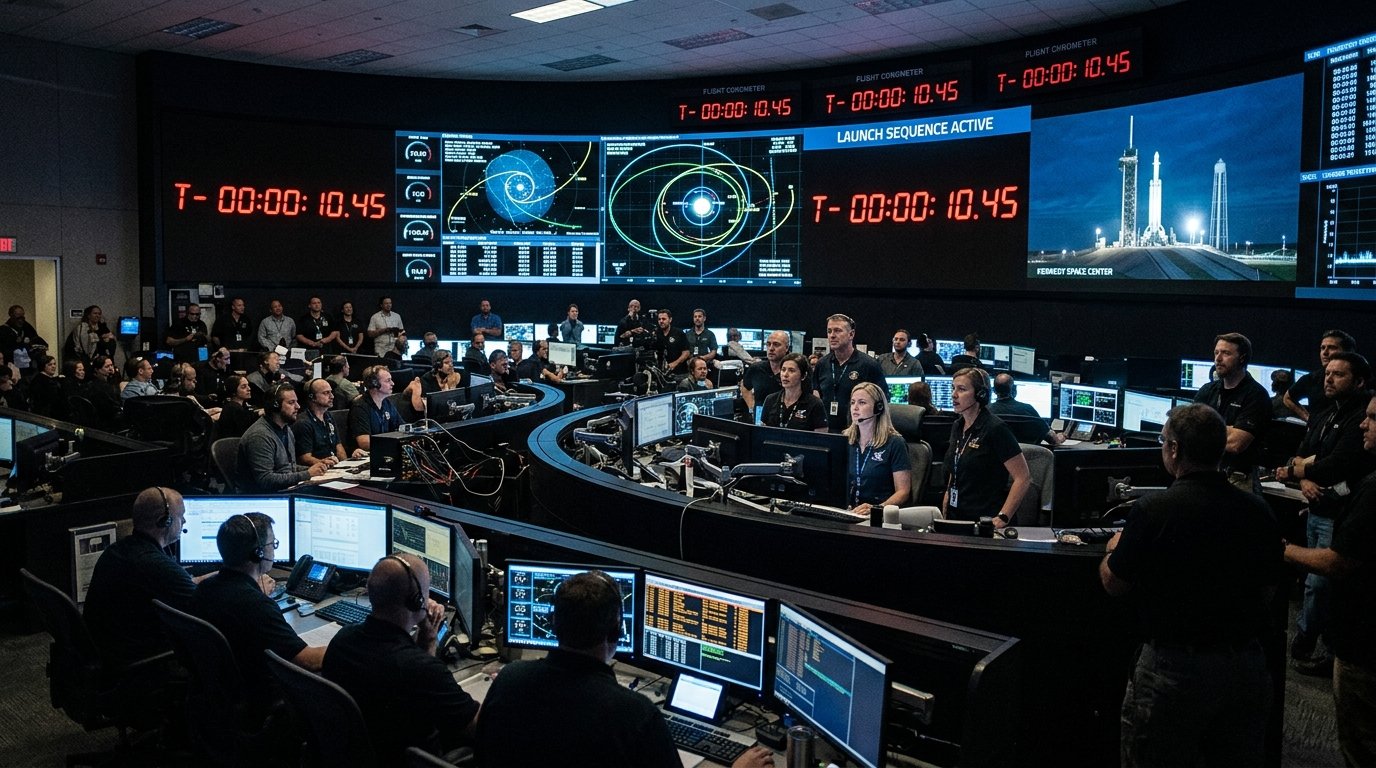
To eliminate these vulnerabilities, modern browsers implement performance.now(). This method accesses physical hardware timers embedded directly within the computer’s central processor, such as the x86/x64 Invariant Time Stamp Counter (TSC), the High Precision Event Timer (HPET), or ARM’s Generic Timer (CNTVCT). These physical counters increment at a fixed frequency independent of CPU voltage scaling, thermal throttling, or core frequency shifts.
Unlike civil wall-clock time, performance.now() is referenced against window.performance.timeOrigin, representing the exact instant the browsing context was created. Because this timebase is strictly monotonic, it is mathematically guaranteed to be non-decreasing, fulfilling the requirement:
// W3C High Resolution Monotonic Condition
// For any two sequential samples t1 and t2:
performance.now()_2 >= performance.now()_1
Defensive Precision Clamping and Side-Channel Mitigation
In theoretical microarchitectures, CPU crystal oscillators can measure intervals down to fractions of a nanosecond. However, following the discovery of transient execution vulnerabilities (Spectre and Meltdown), browser vendors introduced defensive security clamping. Modern browsers deliberately clamp performance.now() resolution to 5 microseconds (0.005 milliseconds) and inject subtle mathematical jitter to prevent malicious scripts from timing CPU cache hit latencies.
Despite this security restriction, a resolution of 5 microseconds is 200 times finer than the single millisecond (0.001s) required by Olympic athletic competitions, industrial production cycles, and medical trials. This makes an in-browser Online Stopwatch fully capable of laboratory-grade chronometric precision.
3. The Clock Drift Flaw: Why setInterval and setTimeout Fail for Timing
The single most widespread software bug in poorly engineered web chronometers is accumulating time by adding numbers inside a periodic timer callback:
// CATASTROPHIC CLOCK DRIFT: DO NOT USE IN PRODUCTION
let elapsedMilliseconds = 0;
setInterval(() => {
    elapsedMilliseconds += 10; // Accumulator Trap!
    renderDisplay(elapsedMilliseconds);
}, 10);
Event Loop Starvation and Macro-Task Queuing
In JavaScript’s single-threaded event loop, setInterval(callback, 10) does not execute exactly every 10.000 milliseconds. Instead, it instructs the browser’s event loop to enqueue the callback into the macro-task queue after at least 10 milliseconds have elapsed.
If the main thread is busy rendering CSS layouts, parsing script bundles, processing user DOM events, or executing garbage collection cycles, the timer callback is delayed. Even a tiny delay of 2 to 4 milliseconds per tick compounds exponentially over time. After running for just 15 minutes (90,000 tick intervals), a naive cumulative timer can lag behind true physical time by several seconds—an unacceptable flaw during competitive sports or scientific trials.
The Invariant Delta Time Formulation
To overcome event loop latency, the ulovepdfs Online Stopwatch never accumulates time incrementally. Instead, it captures the exact monotonic hardware timestamp when the operator clicks “Start” ($T_{ ext{start}}$). On every rendering frame, the current elapsed duration is computed via direct mathematical subtraction:
// Invariant Delta Architecture
let startTime = 0;
let accumulatedPausedTime = 0;

function startChronometer() {
    startTime = performance.now();
    requestAnimationFrame(renderLoop);
}

function renderLoop() {
    const currentTimestamp = performance.now();
    const elapsedDuration = (currentTimestamp - startTime) + accumulatedPausedTime;
    updateDisplay(elapsedDuration);
    if (isRunning) {
        requestAnimationFrame(renderLoop);
    }
}
Because elapsed time is evaluated as a direct mathematical difference between physical hardware clock samples, the chronometer is completely immune to event loop delays, frame drops, or background tab queuing.
4. Monotonic Clocks vs. Wall-Clock Timers (Date.now vs. performance.now)
To understand why an enterprise Online Stopwatch demands monotonic architecture, compare the structural differences between system wall-clock time and W3C high-resolution hardware counters:
| Chronometric Metric | W3C performance.now() Engine (ulovepdfs) | Standard Date.now() (Legacy Utilities) |
|---|---|---|
| Mathematical Clock Type | Monotonic (Strictly increasing) | Wall-Clock (Subject to time adjustments) |
| Time Origin Baseline | Document navigation start (timeOrigin) |
Unix Epoch (January 1, 1970 00:00:00 UTC) |
| Measurement Resolution | Sub-millisecond (5 microseconds with jitter) | Integer Milliseconds (1.0 ms) |
| NTP Clock Slew Immunity | 100% Immune (Hardware ticks) | Vulnerable (Can jump backward or forward) |
| Daylight Saving Time Shifts | Unaffected (Continuous physical duration) | Vulnerable (Can shift +/- 1 hour) |
| Leap Second Handling | Zero impact (Linear duration ticks) | Discontinuous (Repeats or skips second 59) |
Network Time Protocol (NTP) daemons running on desktop and mobile operating systems regularly synchronize system clocks with national atomic standards (such as those maintained by the NIST Time and Frequency Division). When an NTP daemon adjusts a lagging or leading computer clock, Date.now() will suddenly jump. If an adjustment occurs while a stopwatch is active, a wall-clock timer will display negative time or add hundreds of phantom milliseconds. A monotonic Online Stopwatch guarantees absolute, continuous forward progression.
5. Browser Background Tab Battery Throttling and Drift-Free Delta Calculations
Modern web browsers enforce aggressive power optimization policies to extend battery life on laptops, tablets, and smartphones. Understanding these mechanisms is crucial to engineering a dependable Online Stopwatch.
The 1,000ms Throttling Clamp
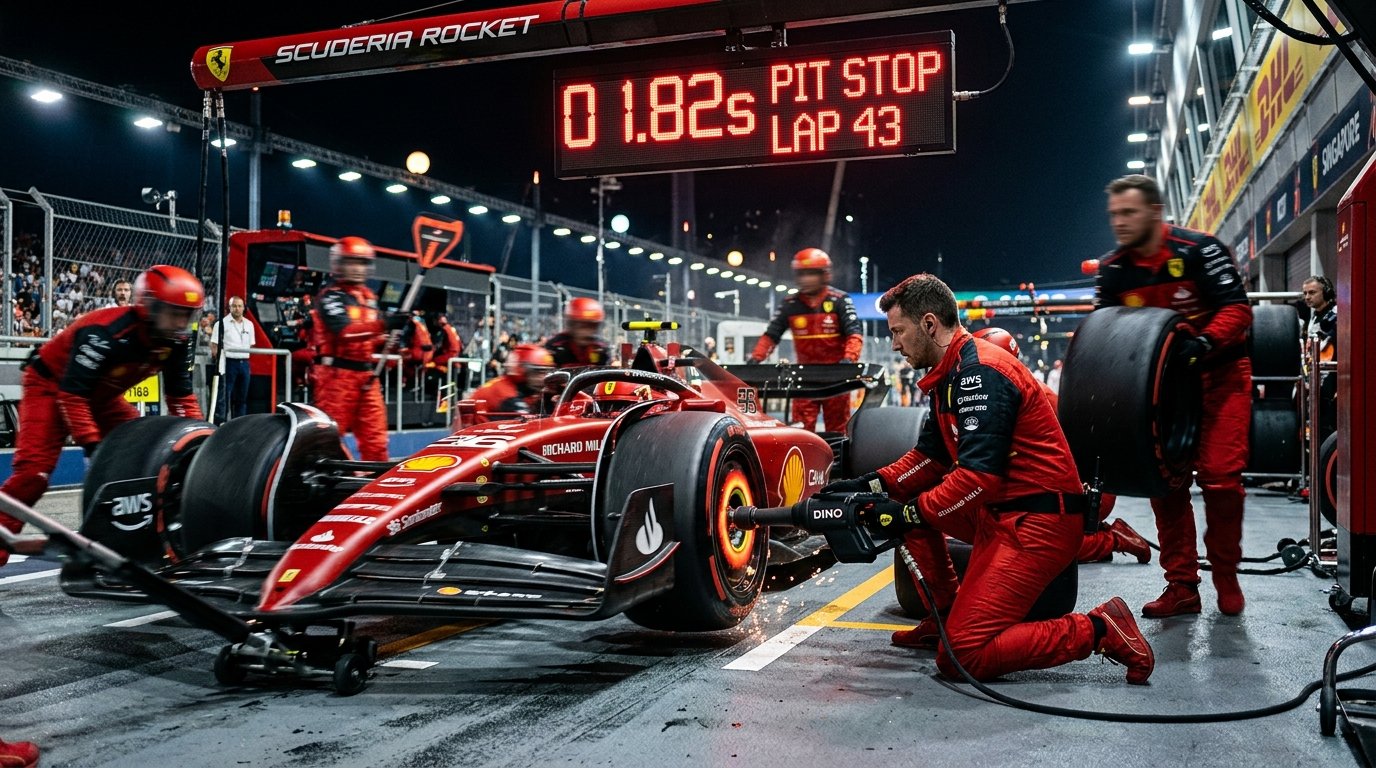
When an operator switches browser tabs or minimizes the window, Google Chrome, Mozilla Firefox, Microsoft Edge, and Apple Safari throttle timer callbacks from 60 frames per second down to once every 1,000 milliseconds (or suspend them completely). In background tabs inactive for more than five minutes, Chromium-based browsers may clamp timers to once per minute under its Intensive Timer Throttling policy.
On legacy timer websites, switching away causes the stopwatch display to freeze or fall behind. However, because the ulovepdfs Online Stopwatch calculates elapsed time using delta mathematics ($T_{ ext{elapsed}} = ext{now} – ext{start}$), the stopwatch never loses a fraction of a second. Even if the tab remains hidden in the background for three hours, the instant the user re-focuses the window, the W3C Page Visibility API fires, querying performance.now() and updating the display to the exact millisecond of physical reality.
6. Lap Times vs. Split Times: Mathematical Formulations and Real-Time Logging
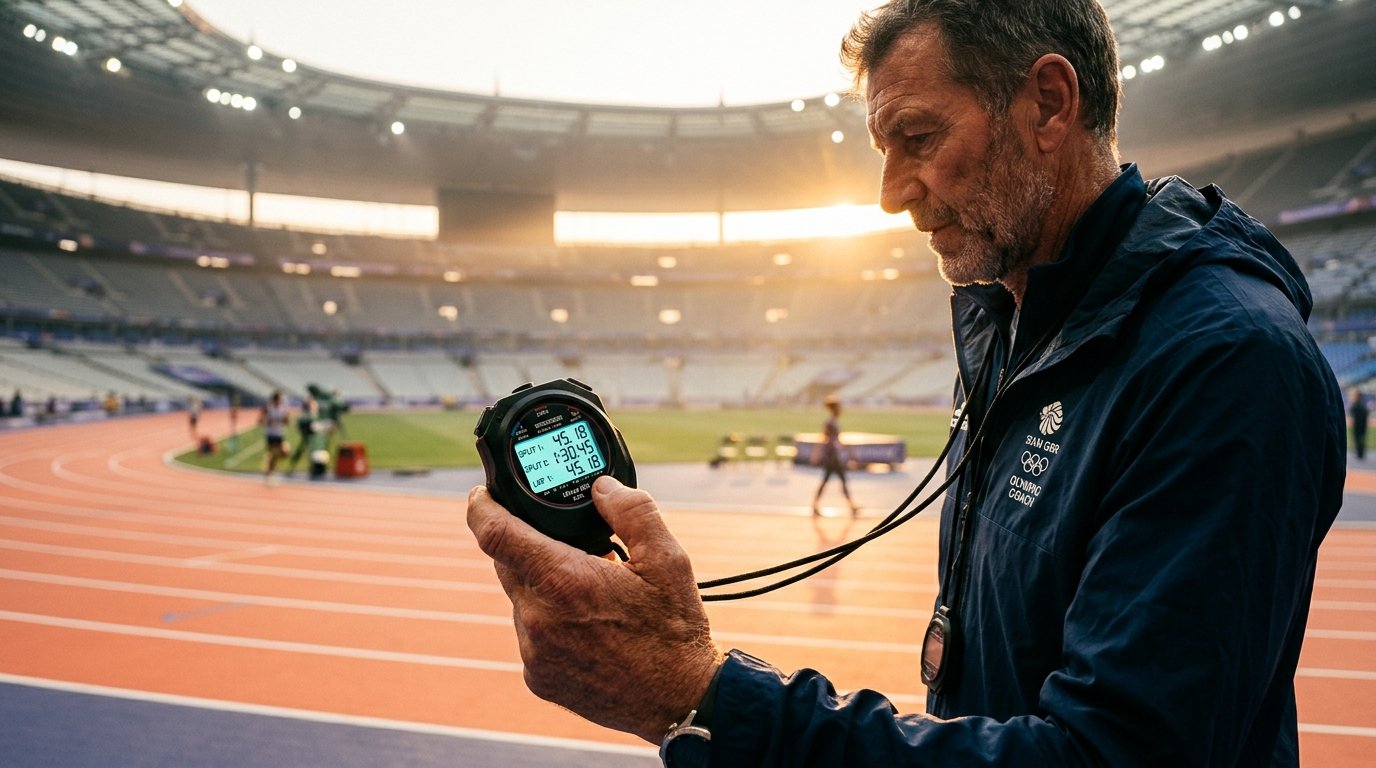
In competitive athletics, motorsports, industrial manufacturing cycles, and laboratory testing, operators must differentiate between two fundamental chronometric metrics: Cumulative Split Times and Discrete Lap Times. Our Online Stopwatch logs both metrics simultaneously in a real-time data table.
1. Cumulative Split Times ($T_{ ext{split}}$)
A Split Time represents the total cumulative elapsed time from the initial trigger of the chronometer ($t_0$) to the exact instant the $k$-th lap marker is pressed:
// Cumulative Split Time Formulation
T_split(k) = t_k - t_0
Split times are strictly monotonically increasing ($T_{ ext{split}}(1) < T_{ ext{split}}(2) < T_{ ext{split}}(3)$). They provide coaches, race engineers, and researchers with total elapsed duration at specific milestones along a course.
2. Discrete Lap Times ($Delta T_{ ext{lap}}$)
A Lap Time represents the discrete duration of an individual segment, calculated as the mathematical difference between consecutive split timestamps:
// Discrete Lap Interval Formulation
ΔT_lap(k) = T_split(k) - T_split(k - 1)   (for k >= 2)
ΔT_lap(1) = T_split(1)
While split times show cumulative progress, discrete lap times reveal crucial pacing insights. In athletic sprints, lap times reveal acceleration and deceleration curves. In manufacturing cycles, lap times highlight assembly bottlenecks. In chemistry experiments, lap times quantify reaction phase durations. Our Online Stopwatch automatically computes, highlights, and formats both values in real time.
7. Human Reaction Time Latency and Millisecond Measurement Limits
While modern digital processors calculate elapsed intervals with microsecond precision, the physical constraint in manual chronometry is human neuro-motor reaction latency.

The Four Neurophysiological Stages
Extensive cognitive neuroscience research reveals that human reaction time consists of four sequential physiological stages:
- Sensory Transduction (~20–40 ms): Photoreceptors in the human retina convert incoming photons of light into electrochemical action potentials.
- Afferent Neural Transmission (~30–50 ms): Action potentials travel along the optic nerve and through the lateral geniculate nucleus to the primary visual cortex (V1).
- Cortical Cognitive Processing (~50–100 ms): The prefrontal cortex recognizes the visual event, evaluates the context, and formulates a motor decision.
- Efferent Motor Execution (~40–60 ms): Motor signals descend the corticospinal tract, stimulating peripheral muscle fibers in the finger to actuate the mouse click or touchscreen tap.
On average, visual stimuli elicit a total human motor response in approximately 200 to 250 milliseconds (0.20 to 0.25 seconds). Auditory cues elicit slightly faster responses (approximately 140 to 180 ms) because auditory pathways require fewer synaptic relays. Consequently, while an Online Stopwatch renders thousandths of a second (0.001s), manual operator inputs introduce an inherent variance of ±100 to ±200 milliseconds.
Governing Athletic Timing Rules
Recognizing these physiological limits, international sporting federations enforce strict timing regulations:
- World Athletics Rule 161: In hand-timed athletic track events, hand-held times are rounded up to the nearest tenth of a second (e.g., 10.22 seconds becomes 10.3 seconds). Furthermore, any starting reaction time under 100 milliseconds (0.10s) recorded by electronic pressure blocks is classified as a false start, because human neurobiology cannot process an acoustic starting gun in under 100ms.
- FINA / World Aquatics: In competitive swimming, times are recorded to the hundredth of a second (0.01s). Although electronic touchpads record thousandths of a second (0.001s), the third decimal is discarded to account for pool lane structural tolerances (a 1-millimeter construction variation equals ~2.5 ms of swimming speed).
- Systematic Cancellation in Lap Splits: When a single operator times consecutive laps using our Online Stopwatch, operator reaction latency affects both the start click and the subsequent lap clicks equally. Because reaction delay cancels out across sequential subtractions, discrete lap interval accuracy is maintained within 10 to 20 milliseconds.
8. Zero-Trust Architecture: Why In-Browser Chronometry Protects Sensitive Timing Data
Timing proprietary manufacturing procedures, medical drug dissolution phases, corporate financial reviews, or executive keynote rehearsals demands complete data confidentiality. Many third-party web utilities transmit session logs, lap recordings, and browser analytics to remote ad-tracking networks.
The ulovepdfs Online Stopwatch is built upon a strict client-side Zero-Trust Architecture. All chronometric calculations, timestamp differences, and lap split arrays are processed 100% within your local browser’s isolated JavaScript memory sandbox. Zero packets containing timing data, lap records, or hardware metrics are transmitted across external networks.
Furthermore, our tool operates entirely offline once loaded. You can disconnect your workstation from Wi-Fi or cellular networks, and the chronometer continues counting with full millisecond precision. When you reset the stopwatch or close the browser tab, all session memory is purged from device RAM, guaranteeing enterprise privacy.
9. 9 Best Ways to Use, Configure, and Master an Online Stopwatch in 2026
Maximizing the benefits of a digital chronometer requires methodical application. Here are the 9 best ways to use, configure, and master an Online Stopwatch in 2026:
1. Track Track and Field Splits with Monotonic Lap Precision
When coaching sprinters, middle-distance runners, or swimmers, record split times at each 100m, 200m, or 400m marker. Our tool preserves both cumulative race elapsed time and individual lap paces, enabling instant analysis of negative splits and pacing strategies.
2. Calibrate Professional Keynotes, Speeches, and Toastmasters Presentations
Public speakers and corporate presenters frequently exceed time limits. Position the large digital display on a confidence monitor or tablet during speech rehearsals. By noting your split times at each presentation slide transition, you can adjust your speaking cadence before stepping onto the stage.
3. Benchmark Frontend Web Performance and API Cold Starts
Software engineers and QA testers timing web application page loads, microservice cold starts, or database migrations can utilize our millisecond display for empirical verification alongside automated developer console profiling.
4. Conduct High-Precision Scientific Laboratory Experiments
Chemistry students and laboratory technicians measuring chemical reaction rates, viscosity drip speeds, pendulum oscillations, or crystal precipitation phases benefit from zero-drift monotonic timing that never skips a tick.
5. Optimize High-Intensity Interval Training (HIIT) and Tabata Workouts
Athletes executing circuit training, Tabata intervals, or CrossFit workouts can track work-to-rest ratios by triggering lap intervals between exercise sets, maintaining high cardiovascular training intensity without losing track of total workout duration.
6. Time Culinary Extractions, Espresso Shots, and Delicate Bakes
Specialty coffee baristas and pastry chefs require precise seconds for espresso extraction (25–30 seconds), tea steeping (2–4 minutes), and sourdough resting. Running our large-display timer on a kitchen tablet eliminates reliance on greasy phone screens.
7. Audit Productivity Time Tracking for Freelancers and Consultants
Lawyers, software contractors, and digital designers billing by the hour can run the chronometer during client calls and project sprints. Factoring out pauses ensures clean, verifiable billing logs without guesswork.
8. Timeboard Academic Debates and Parliamentary Competitions
Collegiate and high school debate tournaments (such as Lincoln-Douglas or British Parliamentary) enforce strict time limits for constructive speeches, cross-examinations, and rebuttals. Timekeepers can manage multi-speaker segments accurately with lap logging.
9. Export Chronometric Datasets for Quantitative Spreadsheet Analysis
Rather than manually writing lap times into notebooks, use our 1-click clipboard and text download options to export your split times directly into Microsoft Excel, Google Sheets, or Python pandas dataframes for statistical trend analysis.
10. Comprehensive Matrix: Client-Side Online Stopwatch vs. Physical Stopwatches vs. Smartphone Apps
Evaluate how an in-browser Online Stopwatch compares against dedicated handheld hardware chronometers and mobile clock applications:
| Feature / Capability | ulovepdfs Online Stopwatch | Handheld Digital Stopwatch | Smartphone Mobile App |
|---|---|---|---|
| Clock Engine | Monotonic performance.now() |
Quartz Crystal Oscillator | OS Core Chronometer |
| Display Resolution | 1 Millisecond (0.001s) | 1/100th Second (0.01s) | 1/100th Second (0.01s) |
| Background Drift Immunity | 100% Drift-Free (Delta Math) | 100% Hardware Dedicated | High (OS Background Service) |
| Data Export Workflow | 1-Click Clipboard & TXT File | Manual Pen-and-Paper Copying | Mobile Share Sheet / Email |
| Hardware & Battery Cost | 100% Free on Any Browser | $15 – $60 (Requires Coin Batteries) | Built-in (Drains Mobile Battery) |
| Display Ergonomics | Scalable High-Contrast Responsive UI | Small Monochrome LCD Screen | Small Handheld Touchscreen |
11. Step-by-Step Operator Guide: Mastering the ulovepdfs Online Stopwatch Workstation
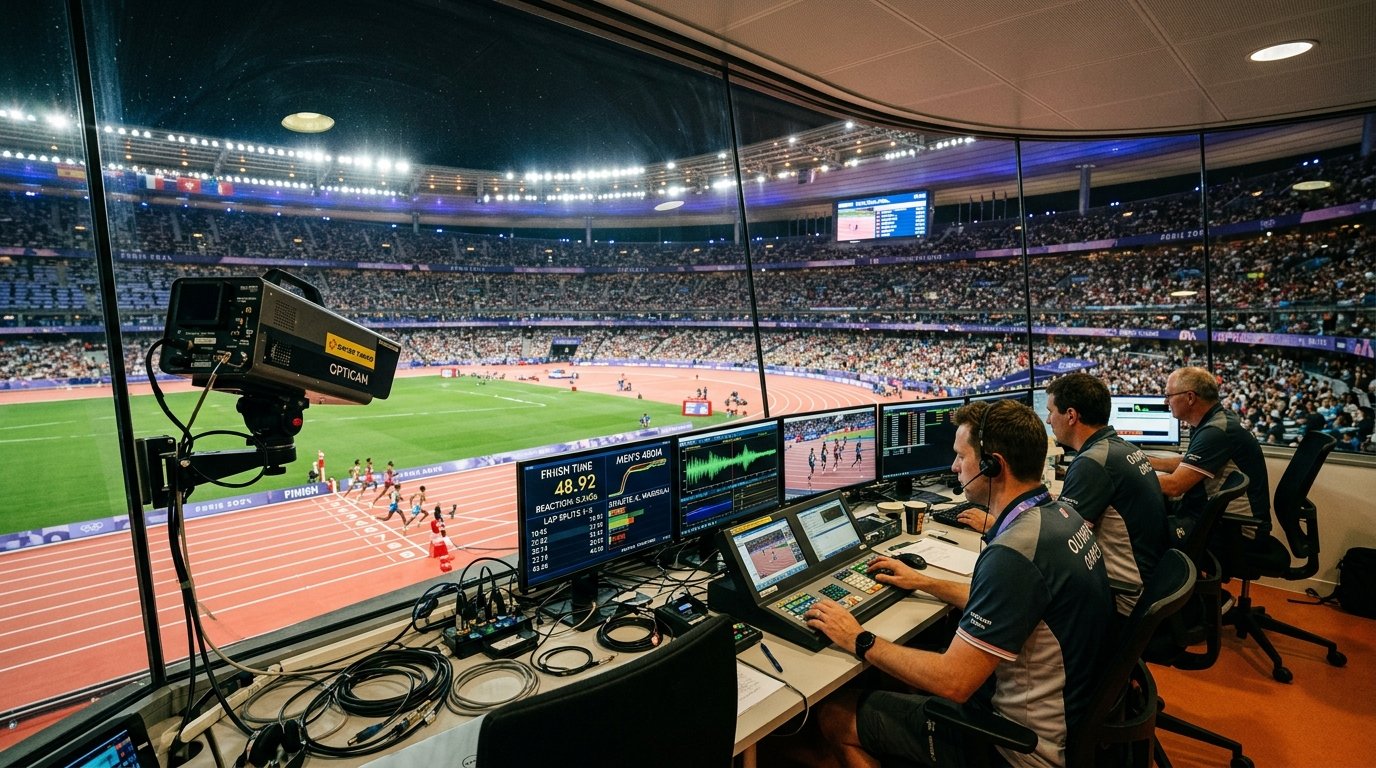
Operating our precision Online Stopwatch workstation is intuitive and fast. Follow this step-by-step workflow to maximize your timing sessions:
Start the Master Clock
Click the primary emerald Start button. The large digital chronometer begins counting forward immediately in 00:00:00.000 format (Hours, Minutes, Seconds, and Milliseconds).
Log Real-Time Lap Splits
While the chronometer runs, click Lap whenever an interval completes. The tool instantly logs the cumulative split time and discrete lap delta in the lower table without interrupting the master counter.
Pause and Seamlessly Resume
Click Pause to freeze the display during timeouts or intermissions. When resuming, click Resume. The engine automatically factors out paused duration, ensuring zero timing drift.
Reset the Chronometer
Click Reset to restore the display to 00:00:00.000 and clear all recorded lap splits from browser memory, preparing the workstation for your next timing session.
Export Timing Datasets
Click Copy Output to transfer your lap table directly to the operating system clipboard, or click Download to save your records as a clean offline text document.
12. Practical Real-World Workflows: Athletic Pacing, Laboratory Trials, Speeches, and Software Benchmarking
The versatility of an in-browser Online Stopwatch shines across a variety of demanding real-world applications:
1. Athletic Coaching and Track Sprint Analysis
Track coaches timing 800-meter runners log splits at 200m, 400m, and 600m markers. By reviewing the discrete lap deltas in our data table, the coach immediately identifies whether the athlete sprinted too aggressively on the opening lap or conserved energy for a fast finishing kick.
2. Chemical Dissolution and Viscosity Testing
In undergraduate university chemistry laboratories, students timing the dissolution rate of effervescent tablets in varied water temperatures trigger our stopwatch upon immersion and click lap when effervescence ceases. The millisecond readout delivers clean, defensible laboratory report data.
3. Corporate Executive Speech Rehearsals
A corporate executive preparing a 20-minute earnings presentation runs our stopwatch on a laptop next to the slide projector. By noting split times at each topic transition, the presenter ensures that Q&A time is not compromised.
4. Manual QA Software Benchmarking
Quality assurance engineers verifying cold-boot startup times for desktop software or native mobile applications use our chronometer to measure times across multiple test devices, copying the results directly into Jira or GitHub issues.
13. Complementary Temporal and Quantitative Utilities in the ulovepdfs Ecosystem
The ulovepdfs platform provides a unified suite of client-side quantitative and temporal calculators engineered for precision, speed, and privacy:
- Online Stopwatch: Our flagship incremental chronometer with monotonic millisecond precision, lap tracking, and zero-drift background tab resilience.
- Online Countdown Timer: A backward-ticking decremental timer powered by the W3C Web Audio API synthesizer for exams, baking, and presentations.
- Countdown Timer Master Guide: An in-depth masterclass exploring sexagesimal mathematics, Parkinson’s Law, and timeboxing psychology.
- Pomodoro Focus Timer: A structured productivity workstation combining 25-minute deep focus sprints with 5-minute cognitive rest intervals.
- Date Difference Calculator: A chronological calculation utility computing exact calendar days, weeks, months, and business days between dates.
- Percentage Calculator: A multi-mode mathematical calculator solving percentage increases, discounts, margins, and proportion changes.
Every utility in our ecosystem executes 100% locally in your web browser with zero server data collection, ensuring your workflows remain private, secure, and instantaneous.
14. Frequently Asked Questions (FAQ) About Stopwatch Accuracy, Milliseconds, and Browser Throttling
Review comprehensive answers to common inquiries regarding our precision Online Stopwatch:
Does this Online Stopwatch maintain accurate time if I switch browser tabs?
Yes, absolutely. Our Online Stopwatch calculates elapsed duration by evaluating the mathematical difference between monotonic hardware CPU timestamps (performance.now()) rather than relying on delayed interval callbacks. Even if your browser clamps background tabs down to once per second, the moment you return, the display instantly renders the exact physical elapsed time with zero drift.
How accurate is the millisecond readout on modern devices?
The underlying W3C High Resolution Time engine measures duration down to 5 microseconds (0.005 milliseconds). The visual display renders hours, minutes, seconds, and milliseconds (00:00:00.000), refreshed at up to 60 frames per second using requestAnimationFrame for fluid visual feedback.
What is the mathematical difference between a lap time and a split time?
A split time measures the cumulative elapsed duration from the start of the chronometer to a given split marker. A lap time measures the discrete duration of that specific segment (the difference between the current split and the preceding split). Our tool tracks and displays both metrics simultaneously in an exportable table.
Can I copy or download my recorded lap times?
Yes! You can click the Copy Output button to transfer your formatted lap table to your clipboard for pasting into spreadsheets (Excel, Google Sheets), or click Download to save your records as an offline text document.
Is the ulovepdfs Online Stopwatch free and private to use?
Yes, our Online Stopwatch is 100% free with no account registrations, usage limits, or advertisements. All timing calculations execute entirely inside your local browser memory sandbox, guaranteeing total data sovereignty.
What happens if my computer enters sleep mode while the timer is running?
When a computer enters sleep or hibernation mode, operating systems suspend hardware CPU cycles. When the system wakes up, performance.now() resumes ticking. For multi-hour athletic trials or laboratory experiments, we recommend configuring your device’s power settings to prevent automatic sleep.
Written by editor
Full-stack engineer and privacy advocate at ulovepdfs, focusing on browser-native cryptography and high-performance client-side tooling.